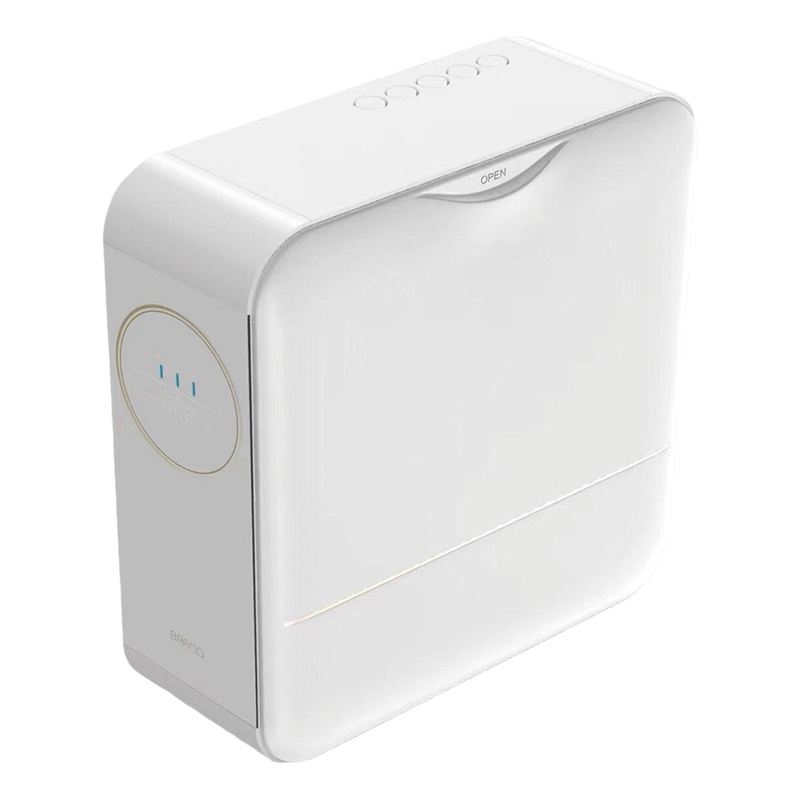
Observe the low-water indication
Use the approved operating instructions to bring the sample to its normal low-water condition. Record what the display or indicator shows, when dispensing stops, and whether the message tells the user what to do next. Photograph the display and compare its wording with the manual for the destination market.
Check the refill and restart steps
Refill and reseat the tank as instructed. Record whether the unit resumes automatically or requires a button press. If the unit runs a flush or a preparation cycle, check how it signals that the cycle is complete. If a variant supports a plumbed feed, review that configuration separately and confirm which instructions ship with each version.
Use the result as an acceptance record
File the observations with the model and revision, interface language and manual version. Repeat the same checks on the production sample if the tank, display or controls change. Resolve differences between the manual and the observed behavior before releasing the bulk order.
For a Qiteng OEM inquiry, share your preferred feed configuration, target market and display language so the refill and restart steps can be included in the sample review.